
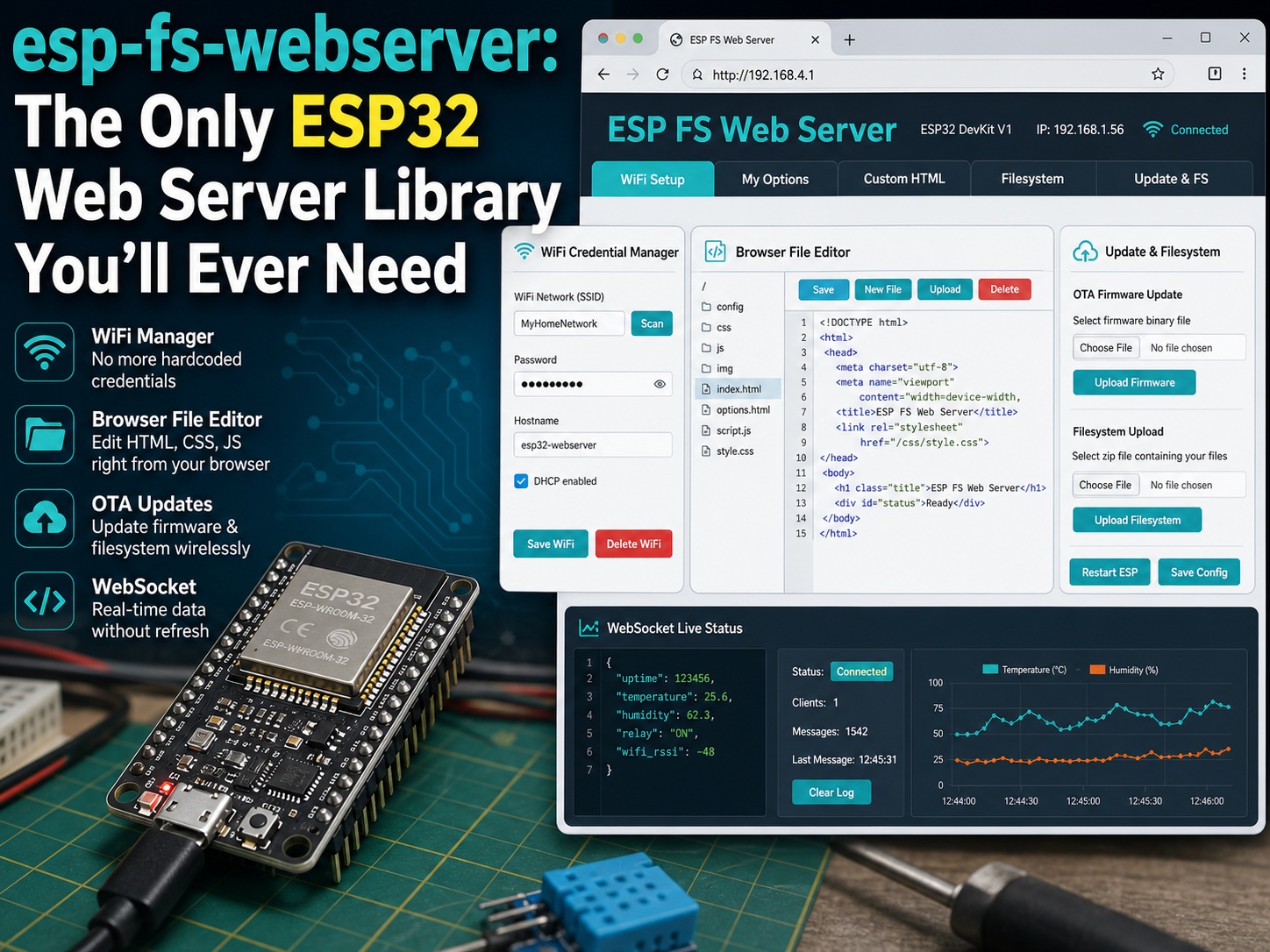
Tired of Re-flashing Your ESP32 Just to Change WiFi or Fix a Web Page?
If you have built any ESP32 or ESP8266 project with a web interface, you have felt this pain. You hardcode your WiFi credentials into the sketch, upload it, and everything works great until you need to change your WiFi credentials.
Then you have to grab your laptop, connect your ESP32 to USB, open Arduino IDE, edit the code, re-upload the firmware, and hope things go smoothly. Even worse: you make a tiny tweak to your HTML UI, change a color, or fix a typo, and you have to repeat the whole tedious process all over again.
If you are sick of this old workflow, meet esp-fs-webserver. This Arduino library is built for ESP web applications that need more than a basic web server. It brings WiFi management, a built-in file editor, OTA updates, and real-time WebSocket communication into one practical package. No more messy hardcoding, no more constant USB plug-in and plug-out, and fewer wasted hours on repeated firmware uploads.
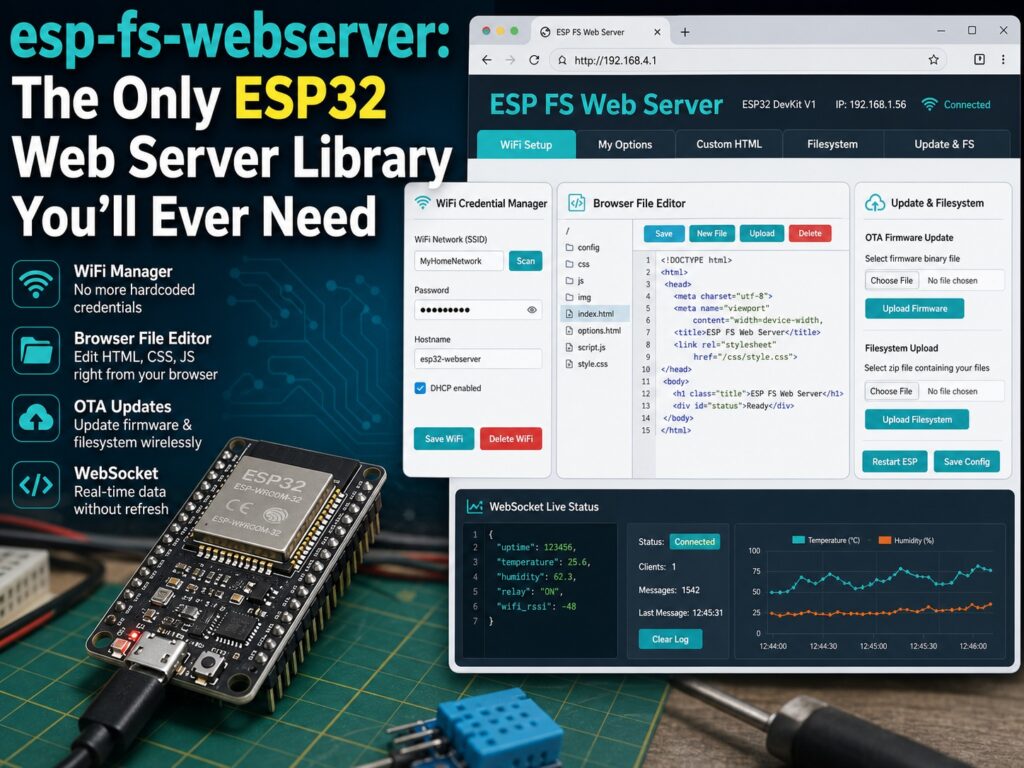
This Library Relieves Your Biggest ESP Web Project Pains
Most ESP web server libraries only do one thing: serve a web page. This library focuses on the supporting workflow makers actually need, without turning every small project change into another compile-and-upload cycle.
No More Hardcoded WiFi, Ever
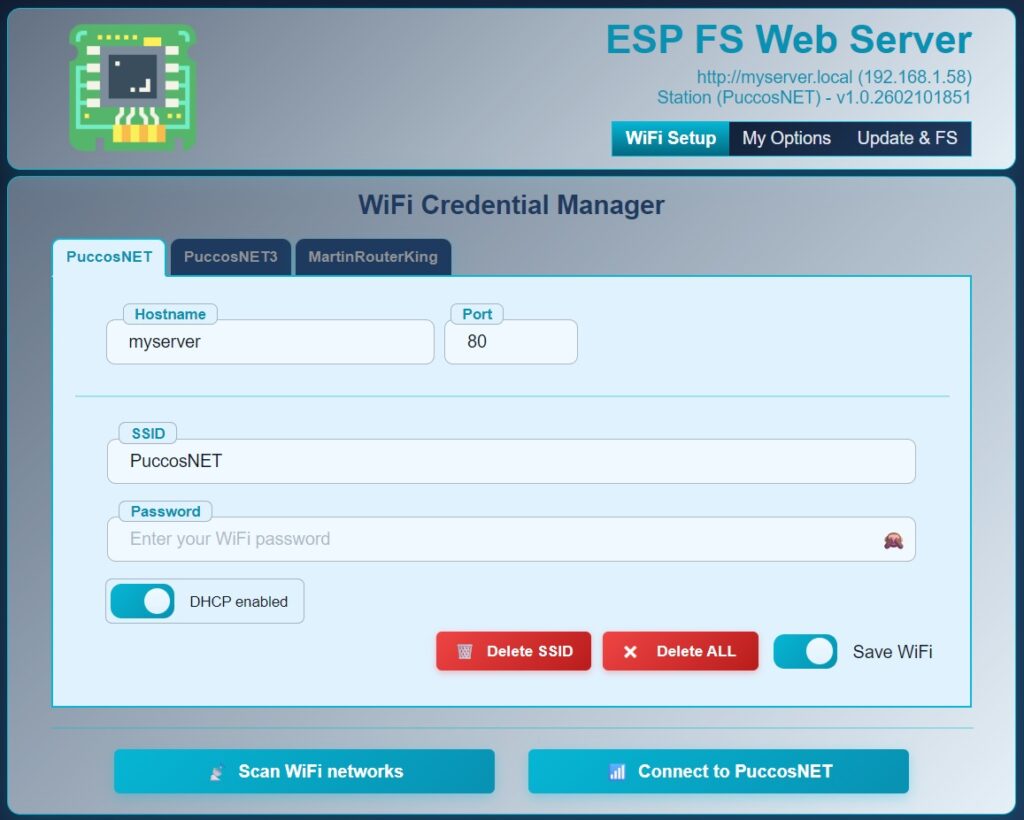
Forget typing WiFi passcodes straight into your code. This library comes with a polished setup page that works like a practical WiFi manager for ESP projects.
- Store up to 5 WiFi networks so your ESP can automatically connect to the strongest one.
- AES-256 encryption, hardware-based on ESP32, helps keep passwords safer.
- Add custom fields such as sliders, text boxes, and dropdowns without messy HTML form coding.
- Use an automatic captive portal when no WiFi is saved, so the ESP turns into a hotspot and opens the setup page.
Best of all, when you save new WiFi settings, the page waits for the ESP to reconnect and redirects you automatically. That means fewer frozen screens and less manual IP hunting.
Edit Web Files Straight in Your Browser, No Firmware Uploading
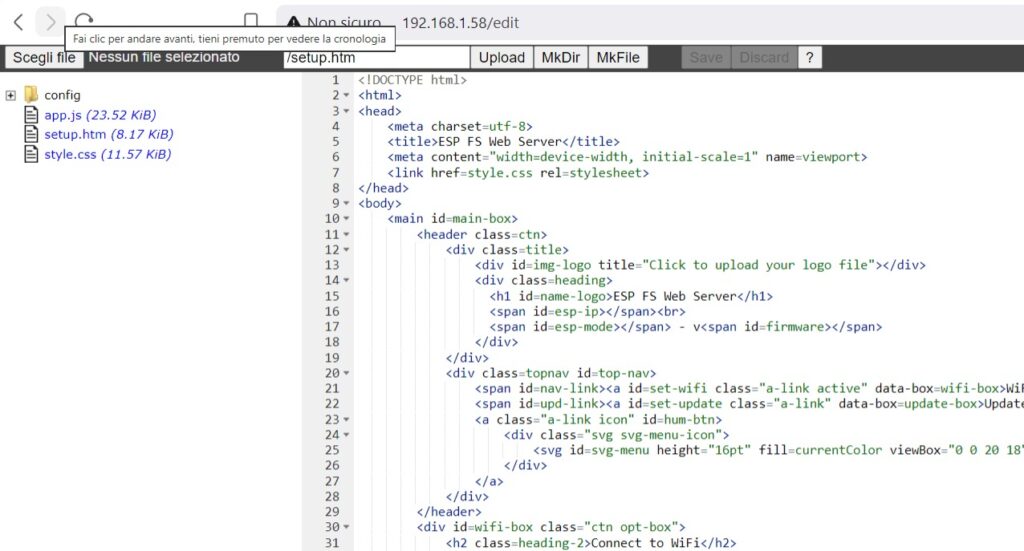
This is the star feature. Instead of converting HTML, CSS, and JavaScript into awkward string arrays inside your C++ code, this library uses the ESP flash storage, such as LittleFS or SPIFFS, to hold real files.
The library comes with a built-in file editor powered by ACE, so you can:
- Create, edit, delete, and rename files right from any browser.
- Change your web UI, fix text, or tweak styling without recompiling or uploading firmware.
- Upload entire web folders in one go.
Make a change, click save, refresh the page, and it is live. That is the kind of efficiency you want when your device is already mounted in a project box or installed somewhere inconvenient.
One-Click OTA Updates and WebSocket Built Right In
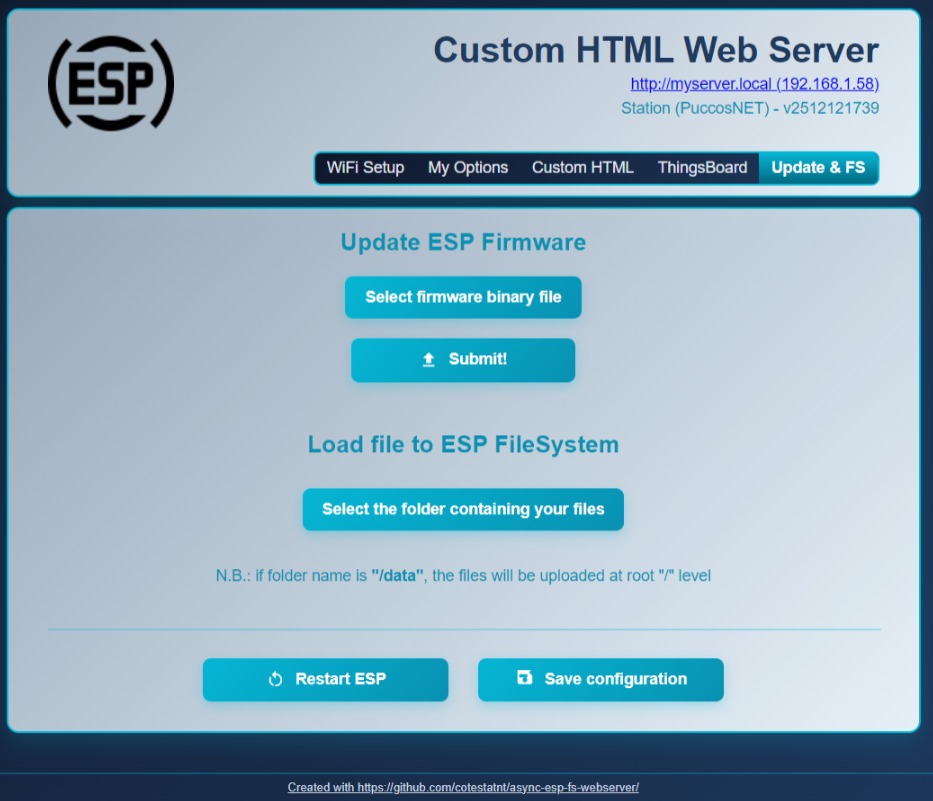
No more writing dozens of lines of OTA code. This library gives you a simple web upload page to flash new firmware wirelessly or update the ESP filesystem in seconds.
It also includes native WebSocket support, so you do not need extra libraries or awkward workarounds. You can send real-time sensor data, status updates, and control messages to your web page without constant manual refreshing.
It Is Shockingly Easy to Use
Do not let all these features scare you. The core setup is only a few lines of code, with no complicated framework required.
#include "FSWebServer.h"

fs::FS& filesystem = LittleFS;
FSWebServer server(80, filesystem, "my-smart-device");

void setup() {
  filesystem.begin();

  // Start WiFi - auto launches captive portal if no credentials saved
  server.startWiFi(10000);

  // Add your custom page route
  server.on("/", []() {
    server.send(200, "text/html", "<h1>Hello from my ESP32!</h1>");
  });

  server.begin();
}

void loop() {
  // Keep everything running smoothly
  server.run();
}
Code language: C++ (cpp)
That is it. Load the library, add this code, and you are ready to start using the built-in WiFi, file, update, and web server features.
Pros and Cons
Pros
- No more hardcoded WiFi and USB re-flashes for small changes.
- Clean, modern web UI compared with many default ESP configuration pages.
- Built-in file editor and full filesystem management.
- One-click OTA firmware and file updates.
- Native WebSocket support for real-time data updates.
- Encrypted WiFi storage with support for multiple networks.
- Works on both ESP32 and ESP8266.
Cons
- Uses some flash storage for web files.
- Beginners may need a minute to understand ESP filesystem basics.
- More capable than a barebones web server, so tiny projects may not need every feature.
Final Thought: Ditch the Old Workflow
If you are building ESP32 or ESP8266 projects with web interfaces, this library can save a lot of frustration. It is aimed at real maker workflows, where WiFi settings change, web files need small edits, and installed devices are not always easy to plug into USB.
No more tethering your ESP to your laptop for every tiny change. No more awkward on-site maintenance for a project you already installed. Just cleaner, wireless control over the web side of your device.
Give esp-fs-webserver a try if your next ESP project needs WiFi setup, browser file editing, OTA updates, and live web data without rebuilding everything from scratch.